-

2-3 Working Days For Delivery
-

12-Month Warranty Service
-

Lifetime Customer Support


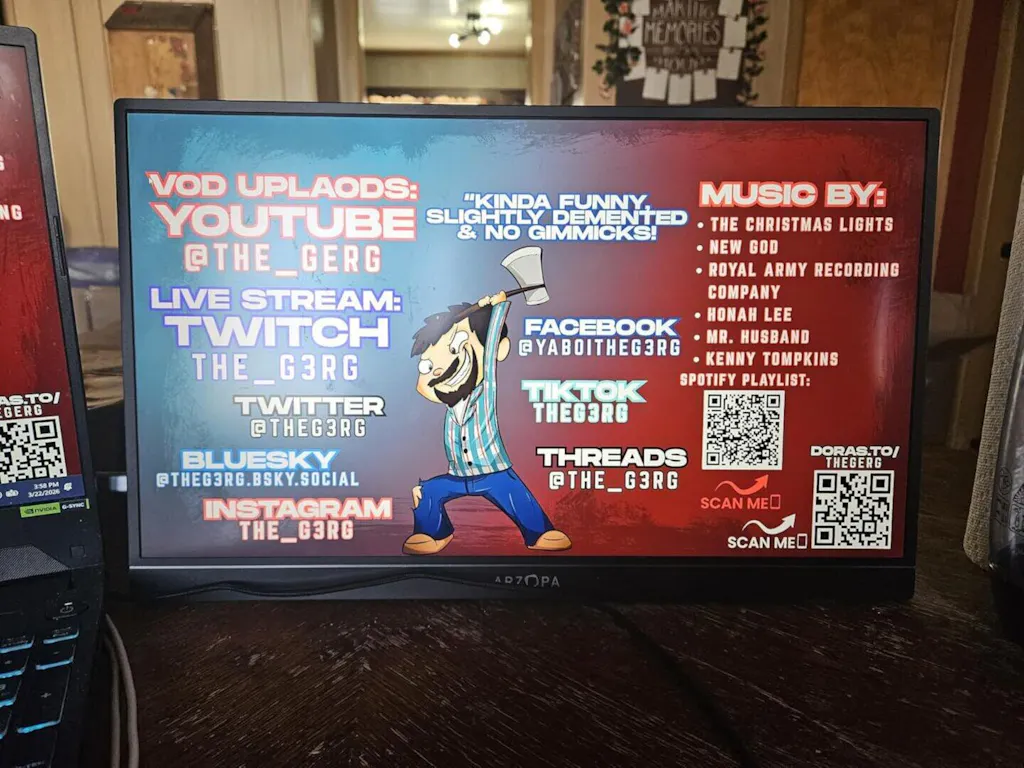
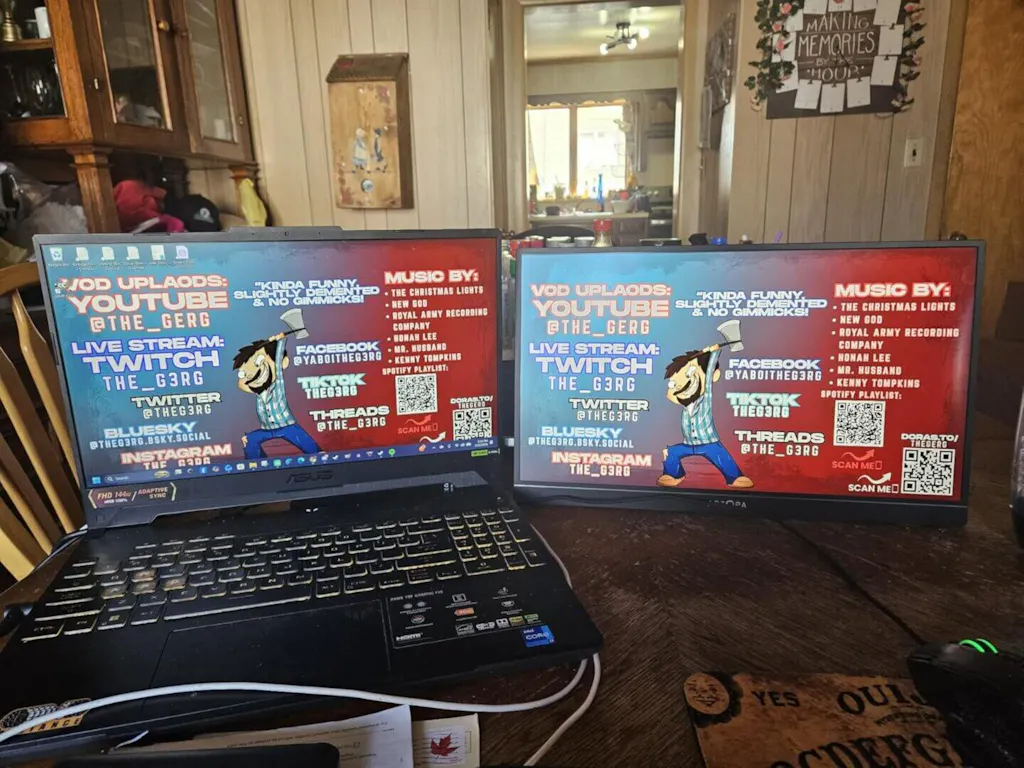
Arzopa A1M 17.3" Large 1080p Portable Monitor
- Desktop Power, Portable Size: A massive 17.3" screen that provides a full-size desktop experience in a portable form factor.
- Immersive Big-Screen Fun: Perfect for split-screen working, movie marathons, or family gaming sessions with wide-angle IPS.
- Effortless Connectivity: Instant setup with USB-C or HDMI; compatible with laptops, PCs, phones, and all major consoles.
- Eye-Care Technology: Built with low blue light and flicker-free tech to protect your vision during extended work hours.
- Multi-Mode Display: Supports Duplicate, Extend, and Second Screen modes to suit your specific presentation or workflow needs.
PAY WITH EASE


FAQ
What devices is the ARZOPA A1M 17.3" portable monitor compatible with?
The ARZOPA A1M works with a wide range of devices, including laptops, desktops, MacBooks, selected Android phones with video-out support, and major game consoles such as Nintendo Switch, Xbox, and PlayStation. It also supports iPhones with an additional Lightning to HDMI adapter.
Who is the ARZOPA A1M best for?
This 17.3-inch portable monitor is a great fit for users who want a larger second screen without carrying a full desktop monitor. It is well suited for remote workers, office users, students, business travelers, and casual gamers who want more screen space for multitasking, presentations, entertainment, or console gaming.
How do I connect the ARZOPA A1M to my laptop?
If your laptop has a full-featured USB-C port that supports video output, you can use a single USB-C to USB-C cable for display and power. If your laptop does not support video through USB-C, use the Mini HDMI to HDMI cable for video, and connect the monitor to a power source with the USB-C to USB-A cable.
Can I connect the ARZOPA A1M with one USB-C cable?
Yes, but only if your device has a full-function USB-C port that supports DisplayPort Alt Mode or video output over USB-C. In that case, one USB-C cable can handle both video and power. If your device does not support video over USB-C, you will need to use HDMI for the video signal and a separate power connection.
How is the ARZOPA A1M powered?
The monitor can be powered through USB-C. When connected to a compatible laptop with a full-featured USB-C port, one cable may be enough for both power and display. For devices that cannot provide enough power, connect the monitor to an external power source using the included USB-C cable while using USB-C or Mini HDMI for video.
Does the ARZOPA A1M support phones and tablets?
Yes, the A1M supports selected phones and tablets that can output video, including many Samsung, Huawei, and other USB-C devices with display-out support. iPhones can also be connected, but they require an extra Lightning to HDMI adapter.
What cables are included in the box?
The package includes 2 USB-C to USB-C cables, and one Mini HDMI to HDMI cable. These accessories make it easy to connect the monitor to different devices for both video and power.
Can I use the ARZOPA A1M for Nintendo Switch, Xbox, or PlayStation?
Yes. The ARZOPA A1M is compatible with major game consoles, including Nintendo Switch, Xbox, and PlayStation. Depending on the console and setup, you may need to use the Mini HDMI connection and external power for stable performance.
 In Stock — Estimated delivery in 2-4 business days.
Out of Stock
In Stock — Estimated delivery in 2-4 business days.
Out of Stock
FAQ
What devices is the ARZOPA A1M 17.3" portable monitor compatible with?
The ARZOPA A1M works with a wide range of devices, including laptops, desktops, MacBooks, selected Android phones with video-out support, and major game consoles such as Nintendo Switch, Xbox, and PlayStation. It also supports iPhones with an additional Lightning to HDMI adapter.
Who is the ARZOPA A1M best for?
This 17.3-inch portable monitor is a great fit for users who want a larger second screen without carrying a full desktop monitor. It is well suited for remote workers, office users, students, business travelers, and casual gamers who want more screen space for multitasking, presentations, entertainment, or console gaming.
How do I connect the ARZOPA A1M to my laptop?
If your laptop has a full-featured USB-C port that supports video output, you can use a single USB-C to USB-C cable for display and power. If your laptop does not support video through USB-C, use the Mini HDMI to HDMI cable for video, and connect the monitor to a power source with the USB-C to USB-A cable.
Can I connect the ARZOPA A1M with one USB-C cable?
Yes, but only if your device has a full-function USB-C port that supports DisplayPort Alt Mode or video output over USB-C. In that case, one USB-C cable can handle both video and power. If your device does not support video over USB-C, you will need to use HDMI for the video signal and a separate power connection.
How is the ARZOPA A1M powered?
The monitor can be powered through USB-C. When connected to a compatible laptop with a full-featured USB-C port, one cable may be enough for both power and display. For devices that cannot provide enough power, connect the monitor to an external power source using the included USB-C cable while using USB-C or Mini HDMI for video.
Does the ARZOPA A1M support phones and tablets?
Yes, the A1M supports selected phones and tablets that can output video, including many Samsung, Huawei, and other USB-C devices with display-out support. iPhones can also be connected, but they require an extra Lightning to HDMI adapter.
What cables are included in the box?
The package includes 2 USB-C to USB-C cables, and one Mini HDMI to HDMI cable. These accessories make it easy to connect the monitor to different devices for both video and power.
Can I use the ARZOPA A1M for Nintendo Switch, Xbox, or PlayStation?
Yes. The ARZOPA A1M is compatible with major game consoles, including Nintendo Switch, Xbox, and PlayStation. Depending on the console and setup, you may need to use the Mini HDMI connection and external power for stable performance.